Every Mermaid theme, and when to use it
Mermaid's default palette is built for a preview pane, not for the page your diagram ends up on. These presets restyle the same diagram for README files, dark docs, decks and long-form posts — pick the destination and export.
Standard styles
Free, no signup, no watermark. Every format and every resolution.
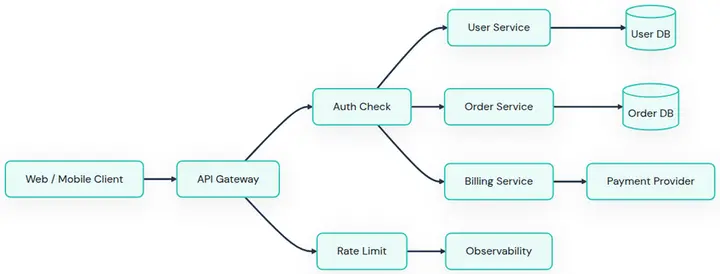
Clean Docs
Best for documentation.
A crisp white canvas for technical docs and wiki pages.
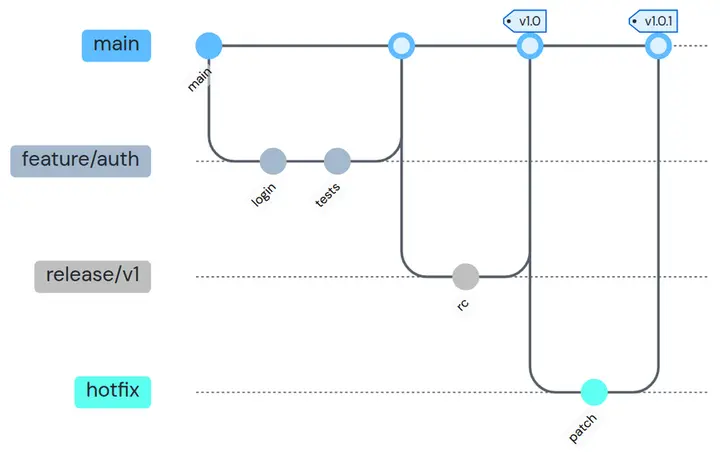
GitHub README
Best for README files.
Soft GitHub blues that blend into a repository page.
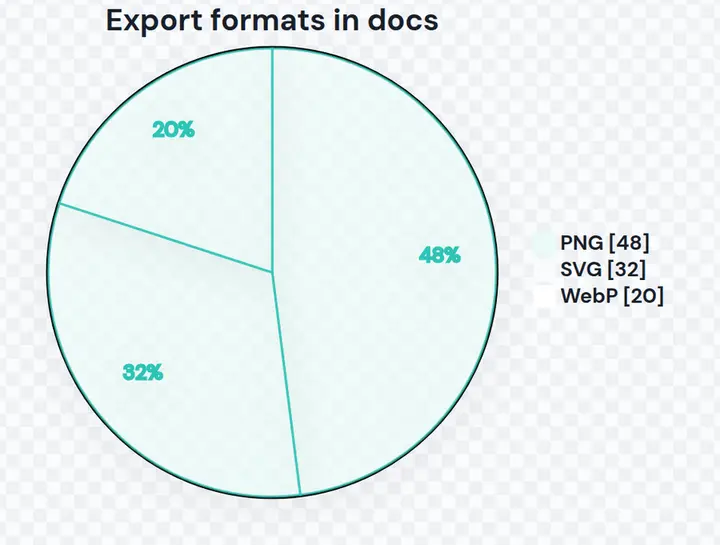
Transparent Docs
Best for slides and any background.
No background at all, so the diagram sits on light or dark.
Advanced styles ✦ Pro
Preview any of them for free. Exporting one needs Pro, or a single credit — signing in gives you 10.
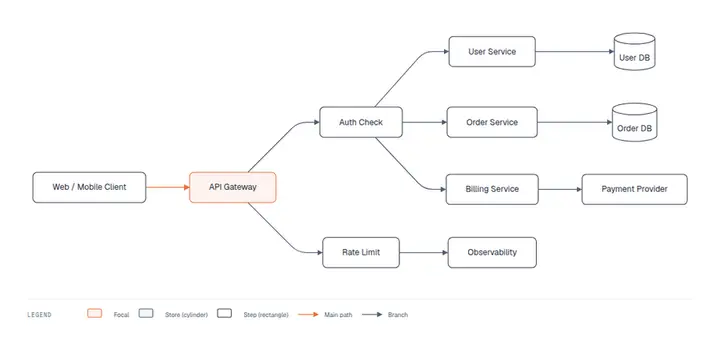
Editorial✦ Pro
Best for blog posts and decks.
One accent on the node that matters, hairline rules, monospace labels, and a generated legend.
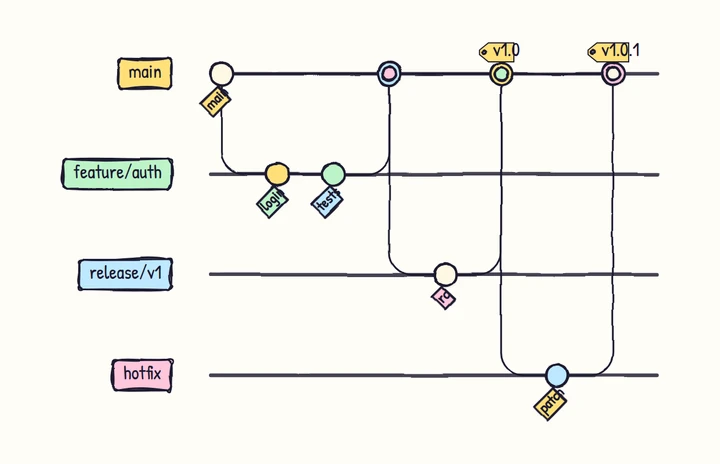
Whiteboard Sketch✦ Pro
Best for workshops and architecture notes.
Hand-drawn geometry on warm paper for explainers.
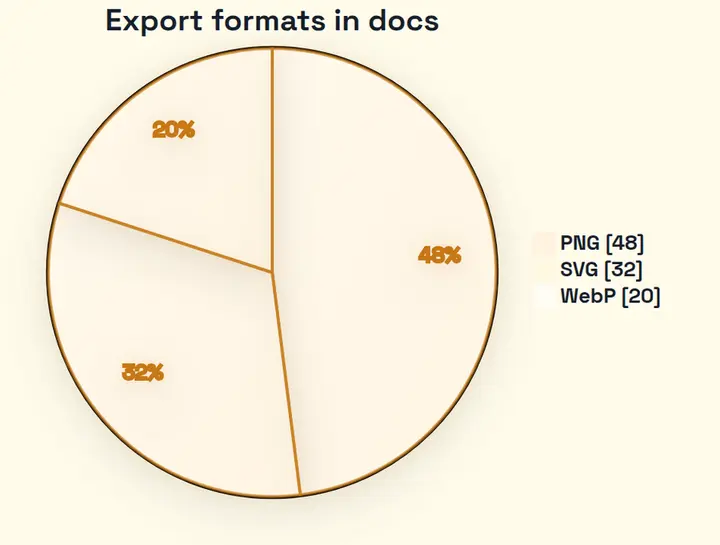
Warm Editorial✦ Pro
Best for long-form posts.
Amber paper for articles and printed handouts.
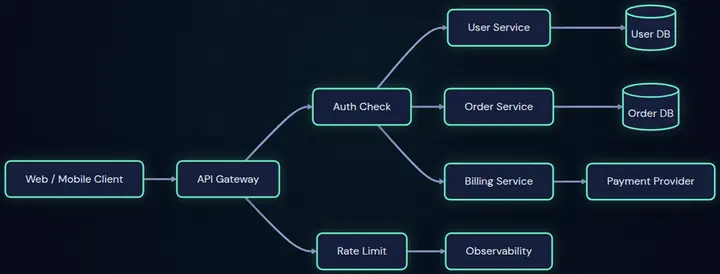
Aurora Noir✦ Pro
Best for dark docs and product decks.
An obsidian canvas with a mint aurora glow.
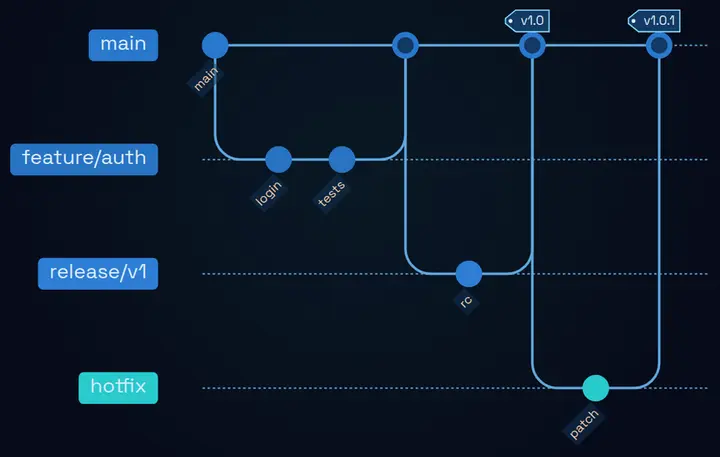
Blueprint✦ Pro
Best for engineering diagrams.
Engineering-blueprint blue with luminous cyan connectors.
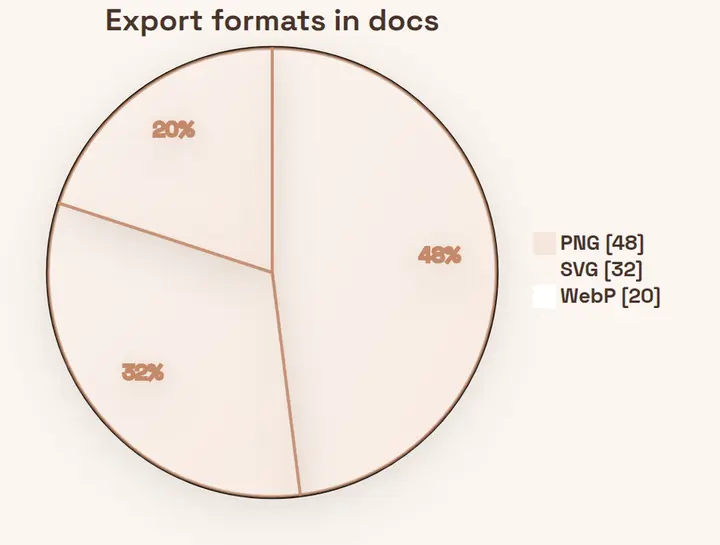
Champagne✦ Pro
Best for brand and marketing decks.
Warm ivory with refined rose-gold nodes.
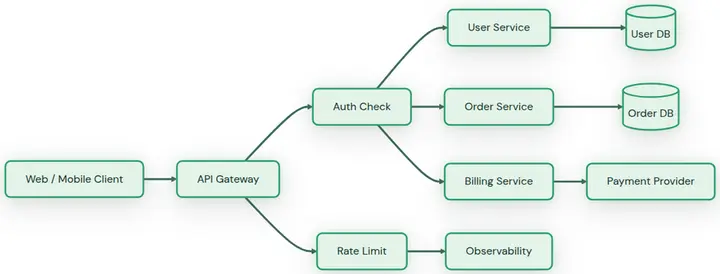
Emerald Suite✦ Pro
Best for polished presentations.
A fresh sage-and-emerald palette for decks.
Styling Mermaid yourself
Every preset here is a set of Mermaid themeVariables. If you would rather keep the styling in your own file, put an init directive on the first line — it travels with the diagram, so GitHub and your docs site render it the same way.
%%{init: {"theme": "base", "themeVariables": {
  "primaryColor": "#ffffff",
  "primaryBorderColor": "#2d3142",
  "primaryTextColor": "#2d3142",
  "lineColor": "#4f5d75",
  "fontFamily": "Inter, sans-serif"
}}}%%
flowchart LR
  A[Write] --> B[Preview] --> C[Export]
Why the defaults look busy
Mermaid ships a multi-hue palette so every node type is distinguishable in a preview pane. On a page it competes with your text: several saturated fills, thick strokes and a colour per shape.
What these presets change
One accent at most, hairline borders instead of heavy strokes, and a type ramp where labels and edge captions differ in size and weight rather than colour.
Where an init directive falls short
It cannot change layout, canvas padding, or export resolution — those live in the renderer. That is the part this tool does for you at export time.
Which style for which destination
Docs, wikis and README files
Clean Docs or GitHub README, when the diagram should disappear into the page around it. Both are free and export without a watermark.
A blog post or a slide
Editorial. It picks the one node your diagram is about, colours the path leading to it, and drops everything else to ink and hairlines — the difference between a diagram and a figure.
Workshops and architecture notes
Whiteboard Sketch, when the diagram is part of a story rather than a spec.
Dark documentation
Aurora Noir for a mint glow on obsidian, or Blueprint for engineering blue with cyan connectors.
Any background at all
Transparent Docs exports with no background, so the same file works on a light README and a dark slide.