Mermaid Excalidraw-Style Diagrams
A hand-drawn whiteboard look for Mermaid: warm paper, sketched strokes, pastel fills, and a friendly label face. It suits the diagrams that are still being argued about — architecture notes, workshop artefacts, tutorial explainers — where a crisp corporate render implies more certainty than you have.
Renders in your browser · Whiteboard Sketch style · PNG, SVG, JPG, WebP, PDF · No signup · No watermark
What the sketch style changes
Paper, not canvas
A warm off-white background replaces the default white, so exports sit comfortably in docs and slides without a hard rectangle edge around them.
Hand-drawn strokes
Connectors and node outlines carry a sketched, slightly uneven weight — the visual cue that this diagram is a working note rather than a finished specification.
Pastel fills that stay legible
Nodes take soft yellows, greens, and blues with dark text on top, which survives being pasted into a light doc or projected in a room.
Images, not .excalidraw
This is a visual style for Mermaid exports. It produces PNG, SVG, JPG, WebP, and PDF — not an editable Excalidraw scene file.
The same style across six diagram types
Each of these is an example the tool ships with, rendered with Whiteboard Sketch from unedited Mermaid source. Load the same example in the editor below to reproduce it.
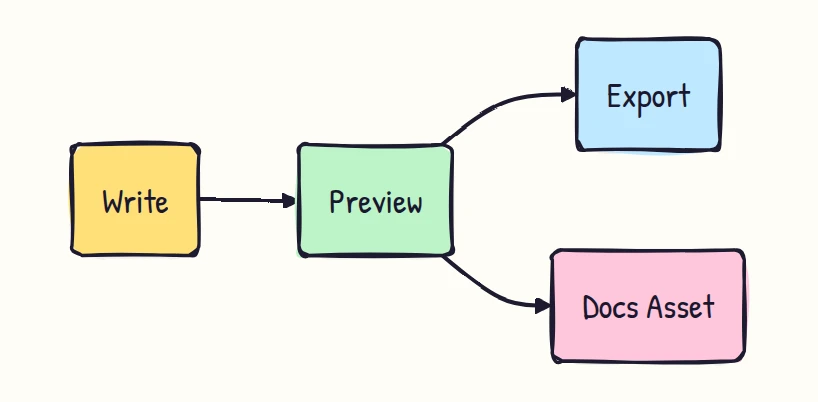
Flowchart
The everyday case: rounded sketch boxes, pastel fills, and dark hand-drawn connectors.
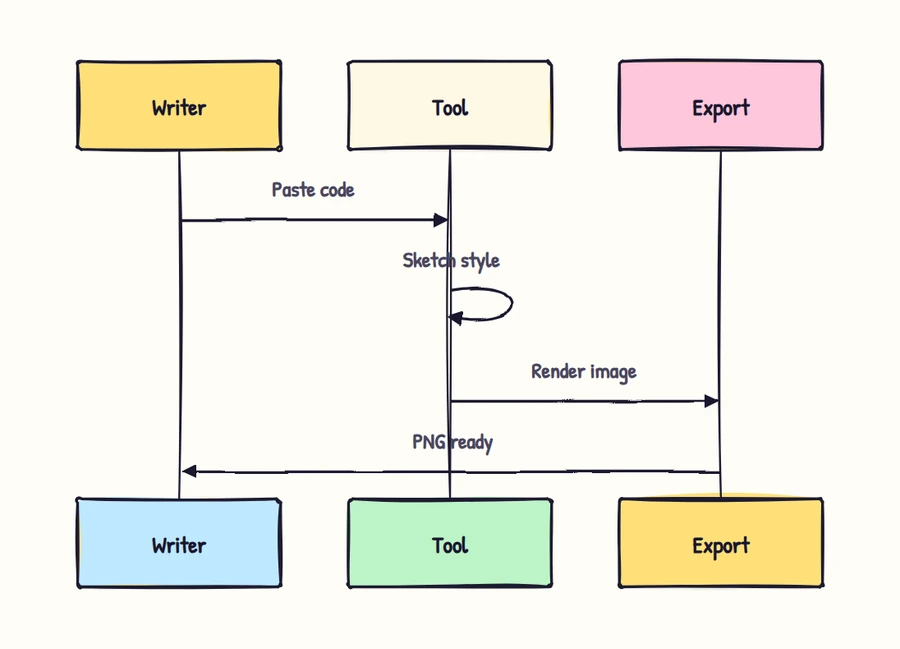
Sequence
Lifelines and activation bars keep the sketch weight, which reads well on a workshop slide.
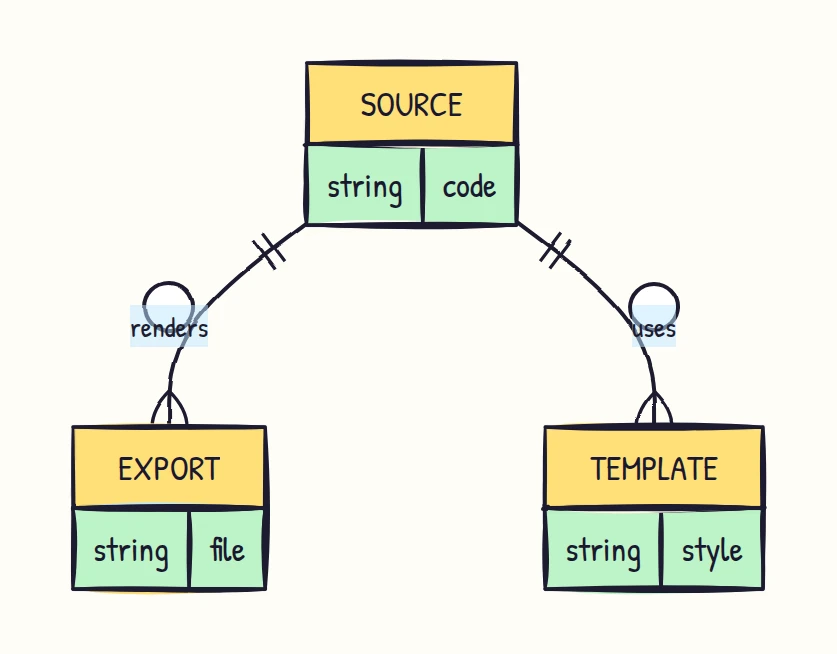
ERD
Entity boxes and crow's-foot markers in the same hand-drawn weight — useful for a schema still under discussion.
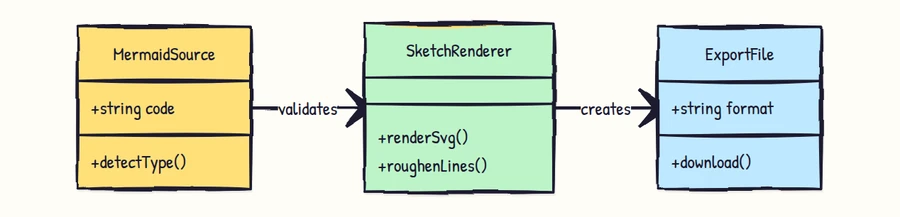
Class
Class boxes keep their compartments; the sketch outline stops them looking like generated documentation.
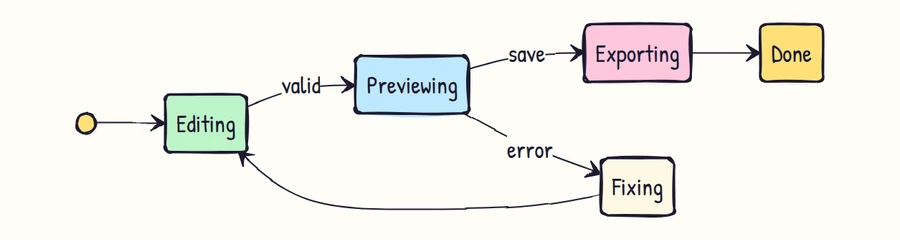
State
State machines suit this style: the transitions look drawn on a board, which is usually where they started.
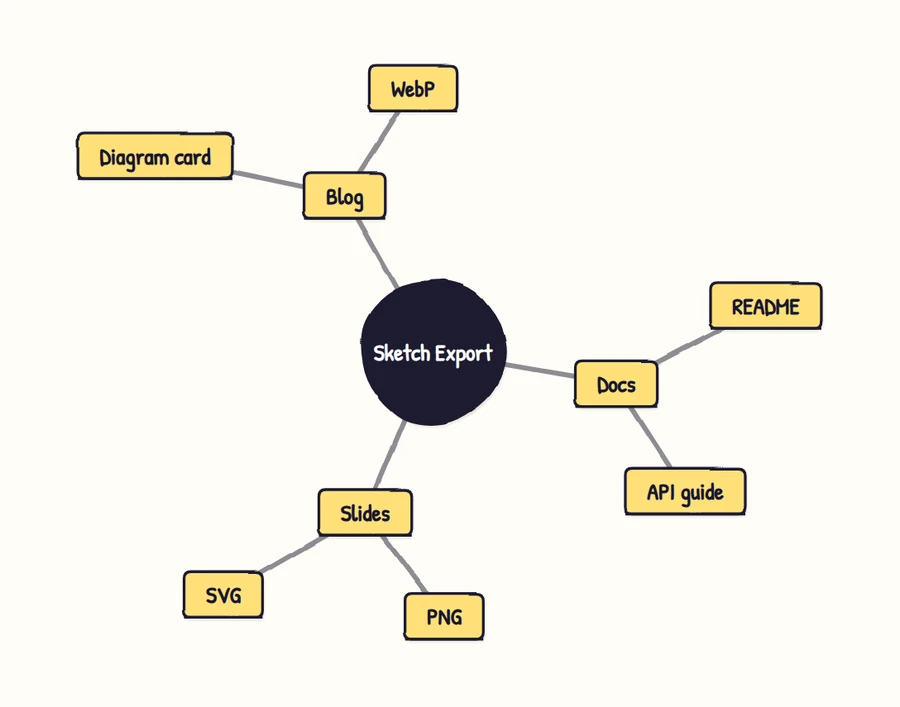
Mindmap
Branches and node bubbles pick up the paper texture, close to what a real sketched mind map looks like.
Export your own sketch diagram
Paste your Mermaid code, or load one of the examples above. Rendering and export both run in your browser — your source is never uploaded.
Export controls activate after your diagram renders locally.
Questions
Is this an official Excalidraw Mermaid converter?
No. Mermaid Online is independent and is not affiliated with Excalidraw. Excalidraw is a trademark of its respective owner. This page offers an Excalidraw-style visual preset for Mermaid exports.
Can I export Mermaid as a .excalidraw file?
Not from this page. It exports image formats: PNG, SVG, JPG, WebP, and PDF. Editable .excalidraw scene export would require mapping Mermaid diagrams into Excalidraw elements, which is a different product scope.
Does my Mermaid code get uploaded?
No. Rendering and export run in your browser. The tool does not upload your Mermaid source, generated diagram, or downloaded file to a server.
Which Mermaid diagram types work with Whiteboard Sketch?
Flowcharts, sequence diagrams, class diagrams, state diagrams, ERDs, timelines, mindmaps, C4 diagrams, and other common Mermaid types render with the same paper canvas and sketch styling. Very dense Gantt, ERD, and C4 diagrams still deserve a visual pass before you publish them.
Is the sketch style free to export?
Whiteboard Sketch is an Advanced style: previewing is free for everyone, and exporting the file needs Pro or two credits. Signing in gives you 10 credits, and the three Standard styles export free and unlimited with no watermark.